 AI Governance
Maintain your organisation’s AI policy
Keep the policy’s owner, status, version and review point together.
AI Governance
Bring your AI policy, register, preparation, assessments and decisions together. Keep the evidence, responsibilities and follow-up connected as your organisation’s AI use develops.
A short overview to share with colleagues.
Full workspace access with one complete AI assessment per organisation. Keep access to your existing work and results afterwards.
Governance and risk leads in mid-sized Australian organisations work with business owners, operations leaders and technology teams. When policies, AI records and decisions sit in separate files, it becomes harder to see what is being used, who is responsible and what still needs attention.
Keep the policy’s owner, status, version and review point together.
Record AI systems and use cases with the people responsible for them. Review supported imports before saving them to the register.
Screen the use case and examine the current process, team readiness, data and suppliers. Record evidence gaps and follow-up work.
Review Business, People, Technology and Risks reports, alongside a combined view. Keep findings, uncertainty and recommendations available for human review.
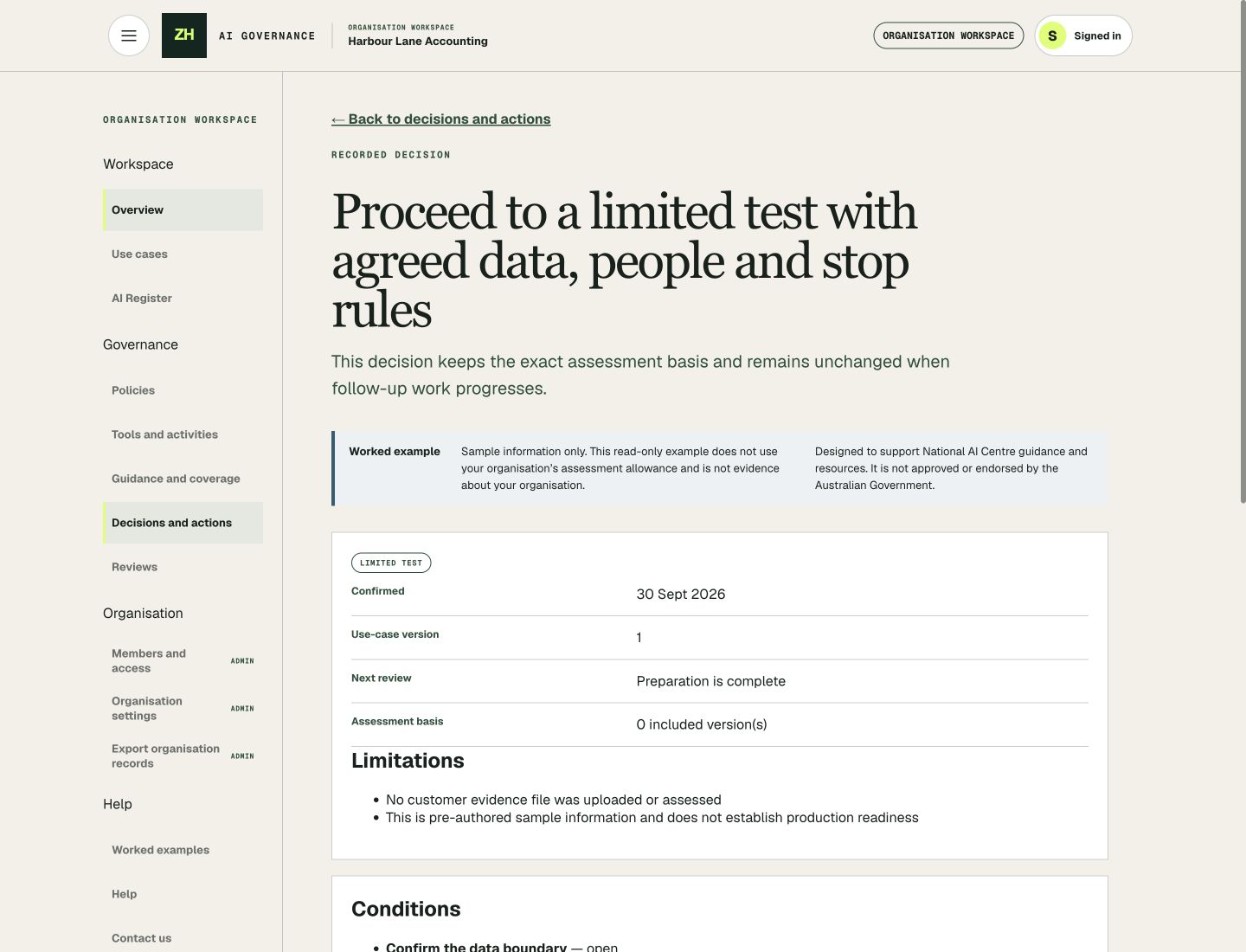
Preserve the decision’s basis, boundaries and conditions, with an accountable owner.
Keep actions, responsibilities and review points connected to the relevant AI use case.
Creating records and completing manual activities does not consume your assessment allowance.
You do not need to begin with an assessment. Start with your policy, register or preparation work, then connect the next steps as you go.
Create your organisation’s policy and shared AI records.
Understand the proposal and examine the process, people, data and suppliers.
Review findings and supporting evidence when you are ready to run an assessment.
Record the accountable decision and maintain its conditions, actions and review points.
Assessment outputs support human decisions. They do not approve an AI use case or certify compliance.
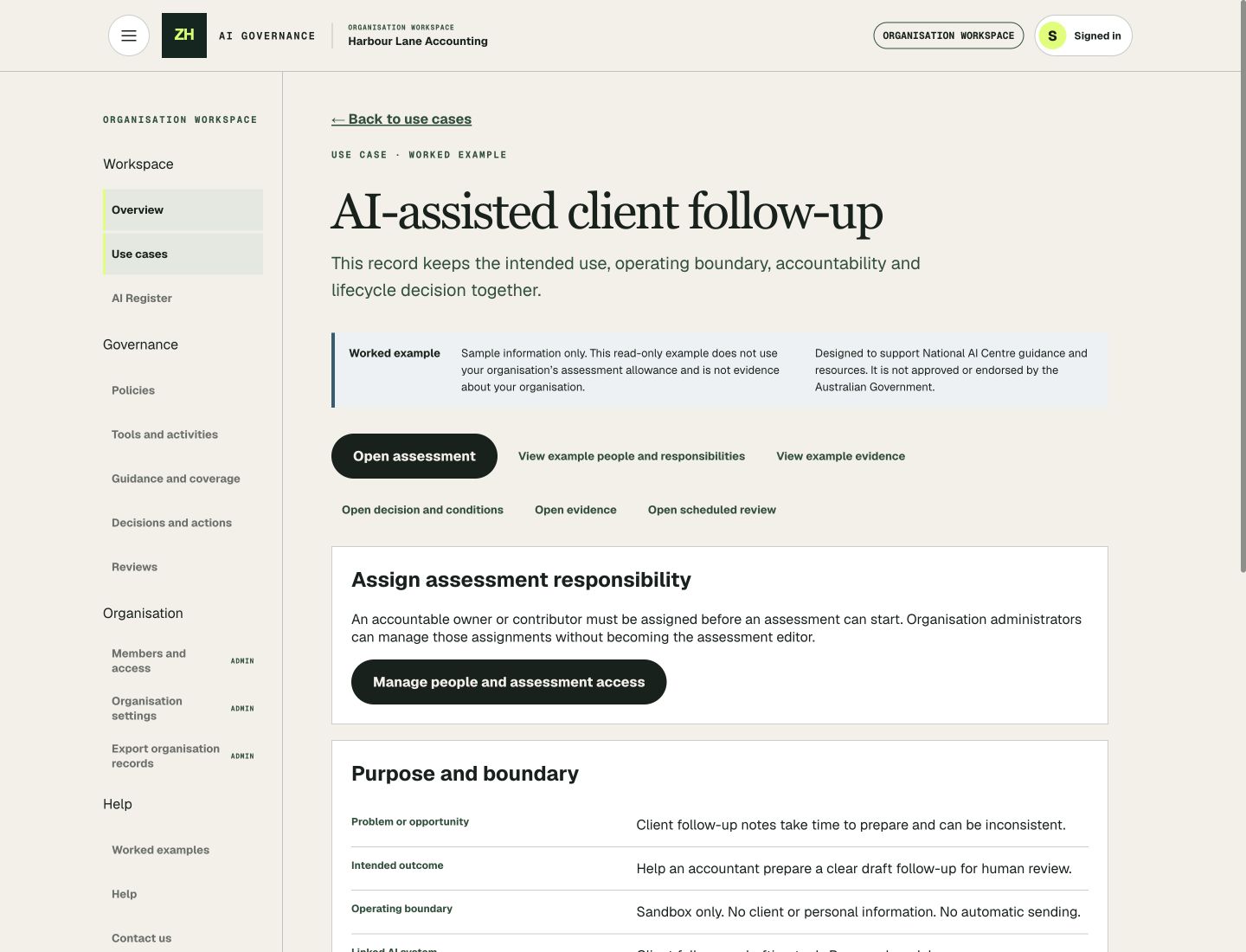
The public learning library follows accounting and recruitment use cases through the workspace. See how preparation, assessment findings, decisions and follow-up stay connected.
Browse the learning library without signing in. Sign in to open the linked read-only chapters inside the app.
The workspace supports 12 core National AI Centre tools and templates, nine team activities and all six Essential AI Practices. Guided activities and supported imports help teams keep the resulting records connected to their governance work.
See supported tools and practicesZH is not approved, endorsed or certified by the Australian Government. Your organisation remains responsible for its decisions and implementation.
Each organisation receives full workspace access with one complete AI assessment included. The assessment allowance is shared across the organisation’s members. Your existing workspace records and results remain accessible afterwards.
For additional assessments, submit a request through Contact Sales inside the app. Additional trial allowance may be granted. We are exploring subscription options and expert support pricing; use Contact Sales to discuss your organisation’s needs.